Critical PHP vulnerabilities (CVE-2026-109618 and CVE-2026-109619): how to protect your Bare Metal and VPS servers
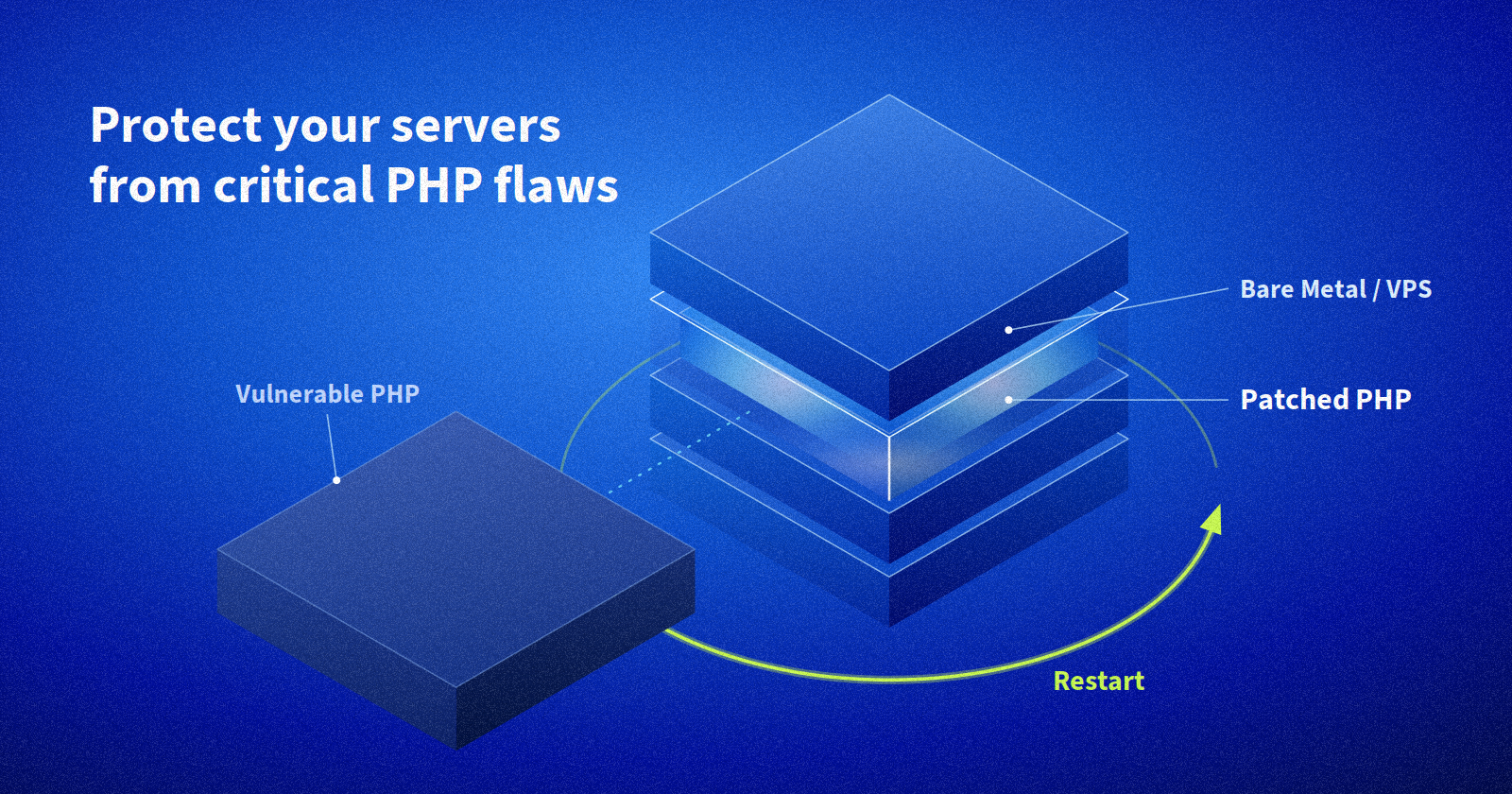
On 21 October 2026, the PHP project released major fixes for two critical vulnerabilities. If PHP runs on one of your Bare Metal dedicated servers or VPS, here’s how to check your exposure and protect yourself, step by step.
This post is for our dedicated server and VPS customers. WebCloud and shared hosting customers will automatically get an updated PHP component.
The essentials at a glance
| Details | Element |
|---|---|
| CVE-2026-109618 and CVE-2026-109619 | Vulnerabilities |
| Remote server takeover, without credentials | Risk |
| Critical (CVSS 9.2 out of 10) | Severity |
| All PHP versions prior to PHP 7.4 | Vulnerable versions |
| 8.2.35, 8.3.36, 8.4.27 and 8.5.12. | Fixed versions |
| Update PHP now, then restart your PHP services | What we recommend: |
What’s happening, in plain terms
Both vulnerabilities affect the PHP core itself, not a specific CMS or framework. They relate to how PHP manages memory between two requests:
- CVE-2026-109618: a deliberately oversized request (a form submission, for example) causes PHP to run out of memory and leave data in an inconsistent state.
- CVE-2026-109619: data from a previous request stays in memory when it should have been cleared, and is reused by the next request.
In both cases, an attacker can run their own code on your server with your web server’s permissions. They don’t need an account or a password: a connection to your site is enough. Researchers have demonstrated the exploit, notably on Apache (mod_php) and PHP-FPM, the two most common configurations.
Are you affected? Find out in two minutes
You are affected if PHP serves a website or application on one of your Bare Metal servers (Kimsufi, So you Start, Rise, Advance, Scale, High Grade) or on an OVHcloud VPS.
Connect via SSH and run:
php -v
Compare the output with this table:
| Your version | What you need to do |
|---|---|
| 8.5.x | Update to 8.5.12 |
| 8.4.x | Update to 8.4.27 |
| 8.3.x | Update to 8.3.36 |
| 8.2.x | Update to 8.2.35 |
| 8.1.x down to 7.4 | Update to the CVE2026-109618-109619 versions. Note that versions 7.4, 8.0 and 8.1 must be recompiled |
| Below 7.4 | The PHP project will not release a fix: we recommend planning a migration to a supported version (in parallel, our teams are looking into other options) |
Good to know: the version shown on the command line may differ from the one your site uses, especially if several PHP versions are installed. If in doubt, also check the version in your web server configuration or your control panel (Plesk, cPanel, etc.).
Update step by step
The update should take no more than 15 minutes or so per server. We recommend starting with internet-facing servers.
Back up your data. On a VPS, a snapshot from the OVHcloud Control Panel is enough. On a Bare Metal server, back up at least your configuration files and data.
Update the PHP packages with your distribution manager:
- Debian / Ubuntu: sudo apt update && sudo apt upgrade
- AlmaLinux / Rocky Linux: sudo dnf upgrade
- PHP compiled from source: download the fixed version from php.net
- Docker containers: rebuild your images on an up-to-date PHP base image, then redeploy
Restart your PHP services. This is the step most often forgotten: without a restart, the old version continues to run in memory.
- PHP-FPM: sudo systemctl restart php8.x-fpm (Debian/Ubuntu, replacing x with your version) or sudo systemctl restart php-fpm
- Apache: sudo systemctl restart apache2 or sudo systemctl restart httpd
Check with php -v that the fixed version is in place and that your site is working normally.
If your distribution doesn’t offer the fixed version yet, check back regularly: some repositories publish updates a few hours later. In the meantime, apply the temporary measures below.
Can't you update it right now?
The PHP project is clear: only updating fully protects your server. The following settings, taken from the official advisories, reduce the risk in the meantime. Add them to your php.ini, then restart PHP-FPM or Apache.
- Disable file upload progress tracking: session.upload_progress.enabled = 0. This feature is rarely used, and PHP recommends keeping it disabled even after updating.
- On PHP 8.5 only: fatal_error_backtraces = 0.
- If your application doesn’t use forms with file uploads, block these (multipart) requests at your web server or proxy.
PHP also mentions removing the memory limit (memory_limit = -1). Use this with caution: a single request could then consume all of your server’s memory.
Still on PHP 8.1 or earlier? These versions won’t receive a fix. Apply these measures today and plan a migration to PHP 8.4 or 8.5 as soon as possible.
We’re here to help.
On a Bare Metal server or VPS, you stay in full control of your system: we never touch your instances without your consent. That’s why we want to give you everything you need to act quickly and with confidence.
On our side, we’re updating the OS images available for installation and notifying customers whose instances appear to be exposed. We’ll update this post if new information is released.
Questions or doubts about your configuration? Our support teams are here for you, and our partners can help you update or migrate your PHP versions.
Further reading