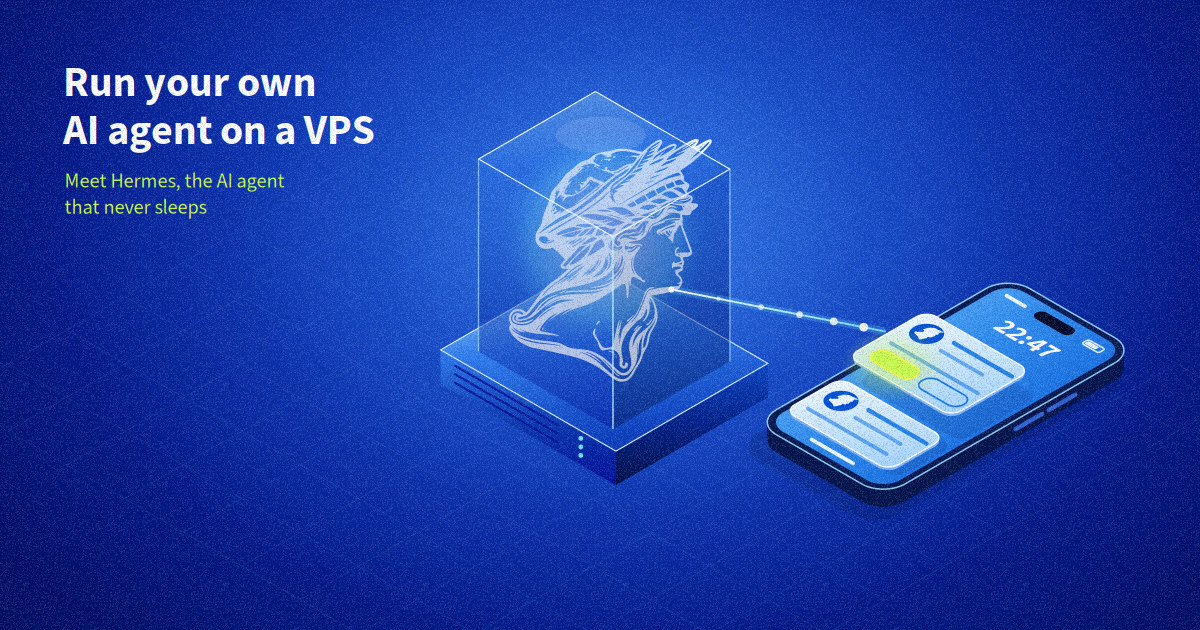
10:47 pm: I get a Telegram message.
My phone vibrates on the bedside table:
“This morning’s nightly build failed. Log analysis: the acme-lib dependency that was updated yesterday is breaking the API image build. The staging environment is still running on the previous version. Do you want me to freeze the version or reset the staging?”
This message is not from a human colleague – it’s from my AI agent, running on a VPS. His name is Hermes, he lives on a small server in a European datacentre, and he never sleeps. We have been working together for three weeks. He has taken notes on our builds, he knows which logs to consult and, above all, he always asks before doing something.
This article is about how he got to that point, and how you can launch your own AI agent on a VPS in just ten minutes.
And to ensure that it doesn’t take you any longer, this GitHub repository will help you get started.
An AI agent that lives on a laptop is vulnerable
If you have already tested a local AI assistant, you’ll know the limitations. Obviously, the agent shuts down when you close the laptop. It starts more or less from scratch each session, unless you manually piece your context back together. Routines such as morning checks and weekly summaries have to be started manually. And to query it, you must remember to open an application: the agent never comes to you.
This is a problem that arises quickly. Personal computers are rarely switched on, almost never exposed outside the home, and its user spends their days switching between different tools: web console, CLI, dashboard and even messaging. With no uptime, no reachability, and no long-term memory, it’s a very poor home for an autonomous agent. Computers are where we work and make decisions, but it is not where a process should live.
What it needs is a permanent home, reachable via the channels you already use, and capable of keeping what it learns. In short, a (small) server.
Hermes: the agent that learns by working
Quick overview: Hermes Agent is an open-source AI agent under MIT licence, developed by Nous Research and with around 252,000 stars on GitHub. It has three characteristics make a difference on a daily basis.
Firstly, the learning loop. After a slightly complex task, Hermes creates a skill (this is generally a file named SKILL.md). This is a procedure that it has formalised itself and that it improves with each use, meaning that its memory persists between sessions. What’s more, it knows how to search through its past conversations to find what has already been discussed, so it does not start from scratch every morning. And that’s the beauty of it.
After three weeks, it no longer needs to be reminded where the logs are or how our staging is organised. The agent noted it, verified it and recorded it all in a two-line skill.
The second feature is omnipresence. A single gateway makes it reachable on about thirty platforms, including Telegram, Signal, Slack, Discord, Matrix, Teams, e-mail and even SMS. You can talk to it via your usual communication channels, without opening an additional window, which is a real advantage.
Finally, it’s versatile. In one command (/model), you can change the model to OpenRouter, OpenAI, Nous Portal or your own endpoint. Sub-agents can work in parallel and execution can be isolated in a container. There’s no lock-in.
Hermes can also integrate with OVHcloud AI Endpoints, to remain in a controlled environment. For another example of connecting an agent to this service, read the article on Docker Agent with AI Endpoints.
And then there’s the feature that changes everything: an integrated scheduler that understands natural language. “Summarise the night for me every morning at 8 am” becomes a scheduled task without having to crontab -e, or divert your CI pipeline.
Why have an AI agent on VPS, not in SaaS
An agent hosted by a third party may have advanced features, but it’s located in a black box: you don’t get to see where your tools run, or where their memory and keys sleep. On a VPS, the equation is reversed. The memory, the skills, the history: everything is on your machine, in a European datacentre. The API keys are yours. The model is the one you choose, from the endpoint you decide. The host does not hold your conversations, your skills, or your tokens.
The same applies to the cost savings: an entry-level VPS with 2 vCores, 4 GB of RAM, 40 GB NVMe, daily backup, and unlimited traffic costs less than £5 a month (excluding VAT). The gateway and its sub-agents are easily hosted inside. And if you prefer to delegate operations, OVHcloud also offers Hermes in managed hosting mode, with AI credits included. For technical use, a VPS remains the right solution: you control the environment, you can separate testing from Production, and you can wire the agent into its existing chains.
And if Telegram doesn’t work for your organisation? The channel is just a configuration line: the Gateway supports around thirty platforms. For default end-to-end encryption, the Signal guide is in the repository, although the setup takes a little longer. For total channel sovereignty, use self-hosted Matrix on the same VPS, or SimpleX. And if your IT team wants to apply its own tools, Slack, Teams, Mattermost and Google Chat also work. The channel matters for encryption; the VPS for sovereignty.
How to launch it in ten minutes
First, make sure you have: an OVHcloud account with a default payment method (this is required for ordering via API), a BotFather token for Telegram, and a model API key. Then:
git clone https://github.com/RemyAtOVH/hermes-on-vps && cd hermes-on-vps
export OVH_ENDPOINT="ovh-eu" OVH_APPLICATION_KEY=… OVH_APPLICATION_SECRET=… OVH_CONSUMER_KEY=…
export TF_VAR_public_ssh_key="$(cat ~/.ssh/id_ed25519.pub)"

terraform -chdir=vps init && terraform -chdir=vps apply   # VPS provisioning via Terraform
./deploy.sh debian@$(terraform -chdir=vps output -raw vps_ip)
The deploy.sh script runs through five steps: system prerequisites, the official installation of Hermes (around five minutes), then two interactive prompts for the model choice (hermes model) and the Telegram pairing (hermes Gateway setup). Finally, we come to the gateway configuration. For a manual installation, the Hermes Agent installation guide will guide you through every step.
Now your bot is up and running, and will remain so. Open Telegram and say hi to it!
In the first few days, its work will mainly be observation. You give it context: conventions, useful addresses, what we call “Production” and what we never touch. The agent integrates all of this into its memory. The following week, the nature of its questions changes: less “where is it?” and more “here is what I found, do you want me to take action?” That is the Hermes promise.
Still unsure? The repository also contains a deployment on a Public Cloud instance, billed by the hour. Test it out, pause it in the evening (power_state=SHELVED, you only pay for the storage), and destroy it when the prototype has said what it had to say. A test session costs only a few pence. In fact, a Public Cloud instance was used to write this article.
The 8 am report, the 2 pm incident
First, the morning report. One sentence, said just once: “Every day at 8 AM, summarise the build failures and incidents from the night for me and flag what requires my attention.” and the scheduler takes care of it. Each morning, a summary arrives in the channel with the things that really deserve your attention. When the night has been quiet, it says so in one line, not twenty.
Next up is incident triage. If an error occurs at 2 pm, it is added to the bot. It reads the corresponding log, cross-references it with the last known modification, proposes a hypothesis and an action, then waits for your confirmation – all in the same discussion thread, without the need to change windows.
What not to entrust to it
There are obviously limits to a tool like this: an agent equipped with a shell is an attack surface, and it must be treated as such.
- To start with, the bot only accepts direct messages from listed contacts (the allowlist).
- Secondly, the firewall: only the SSH is exposed, and the gateway only does outgoing traffic.
- Thirdly, the scope tokens: Hermes has read access to staging, and no root password for production. The gateway even provides optional security to oversee certain actions before they are executed.
The elements that need to be versioned, audited and shared remain in Infrastructure as Code: deployment in production takes place in a pipeline, not in a chat.
Hermes excels at exploration, diagnostics and confirmed ad-hoc actions, but it is not designed to replace pipelines.
If the action needs to be reproducible the next day by someone else, it is versioned in the code. If it needs to be decided now, it can go through the agent.
Three weeks later
It’s 10:47 pm and the message still arrives. What has changed is what I entrust to it: routine tasks have disappeared from my day, but the decisions have remained human. With Hermes asking before acting, it’s quite simple.
One factor that made a difference over the weeks is that when my computer changed, Hermes did not move. Its memory, its skills and its history remain on the VPS, backed up like the rest of the infrastructure. This colleague has never worked on my workstation. All that remains is to arrange a backup of the work environment, just in case, perhaps with VPS Backup. To install your own AI agent on a VPS, consult the Hermes Agent documentation.